On every device
Tabple
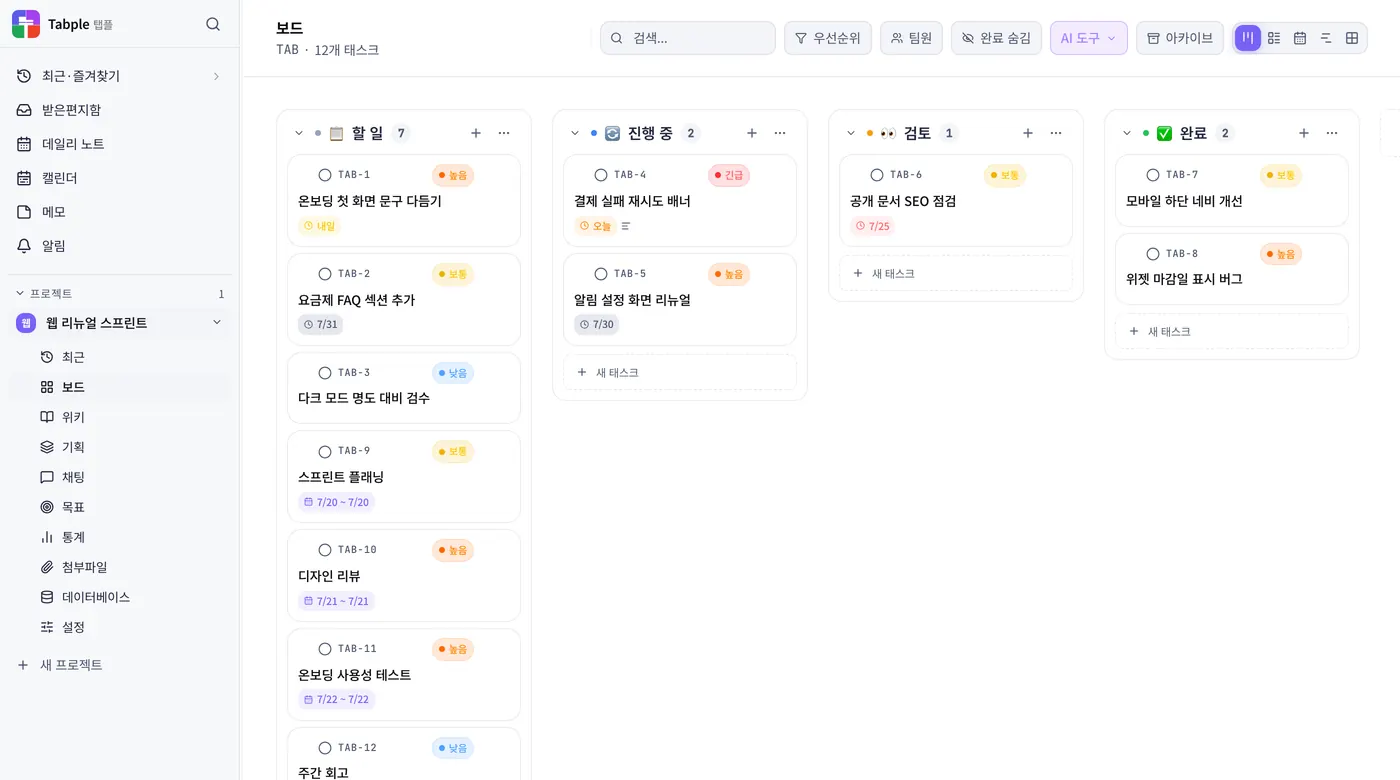
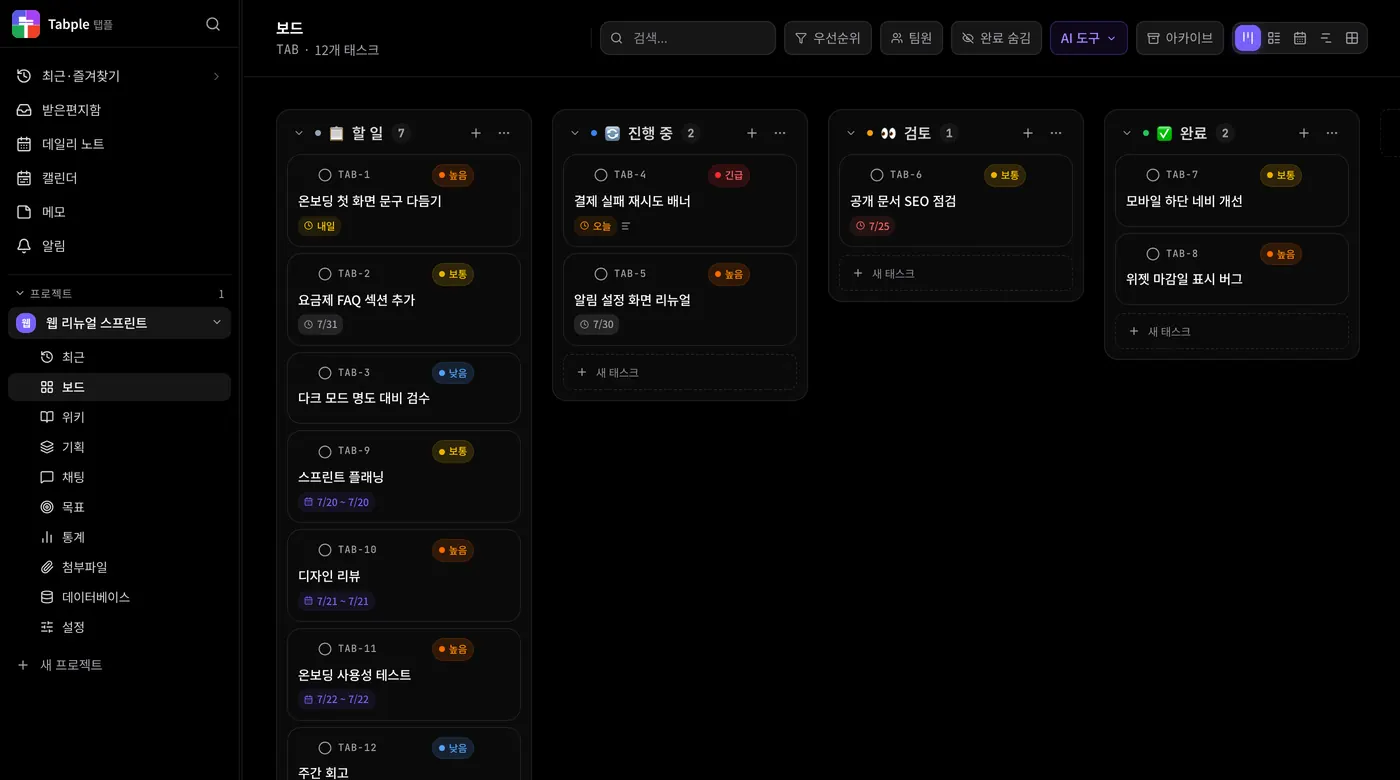
Install Tabple from the App Store (iPhone · iPad · Mac), Google Play (Android), Windows, or Linux. Offline work, global shortcuts, and native notifications, all in one.
After install, the app keeps itself up to date. App Store versions update through the App Store. Looking for another OS?


All download options
Every platform and package format at a glance — grab the one you want.
iPhone · iPad · Mac
App StoreThe Mac app is available only on the App Store — auto-updates, signature verification, and simple installs.
Windows
10 or laterAndroid
Google PlayLinux
x64 · DEB · AppImage · RPMChrome · Whale extensions
Side panel · Sidebar


Installation guide
Your OS may show a security warning the first time you run the app. Follow the steps below and it will install normally.
Read the desktop app guideWindows — when a SmartScreen warning appears
- Running the MSI may show the blue “Windows protected your PC” screen.
- Click More info.
- Press Run anyway to start the installation.
macOS — install from the App Store
- The Mac app is available only on the Mac App Store.
- Press Get in the App Store and the install is done.
- Updates are applied automatically through the App Store too.
App Store builds are signed and notarized by Apple, so no security warning appears.
Linux — install steps by package
sudo dpkg -i Tabple_*.debsudo rpm -i Tabple_*.rpmchmod +x Tabple_*.AppImageGive the AppImage execute permission, then double-click it or run it directly from the terminal.
Desktop app advantages
Offline support
Edit your wiki without an internet connection.
Global shortcuts
Ctrl+Shift+K opens the search palette from anywhere.
Native OS notifications
See mentions, comments, and task changes instantly as desktop notifications.
Fully synced with the web
Syncs with the web app in real time. One set of data.
System requirements
- Native support for Apple Silicon (M1–M5)
- Mac App Store · iPhone · iPad supported
- Google Play · Android supported
- Windows 10 or later · x64
- Linux x64 · DEB · AppImage · RPM
- 100MB or more of disk space
- Auto-updates supported
Use it without installing
There is also a web app that runs right in your browser. Get every feature instantly, with no install.
Install it now
iPhone · iPad · Mac from the App Store, Android from Google Play, Windows · Linux by direct download.

