 TabblyHandwritten notes · PDF markup
Make room
for your thoughts.
Write with eight pen styles, annotate PDFs, and build dated planners on iPhone and iPad. Works offline with no sign-in.
Writing features, including PDF import, are free. The Lifetime Pass is a one-time purchase, not a subscription. On Google Play the app is listed as “탭플노트” (Tabple Note).
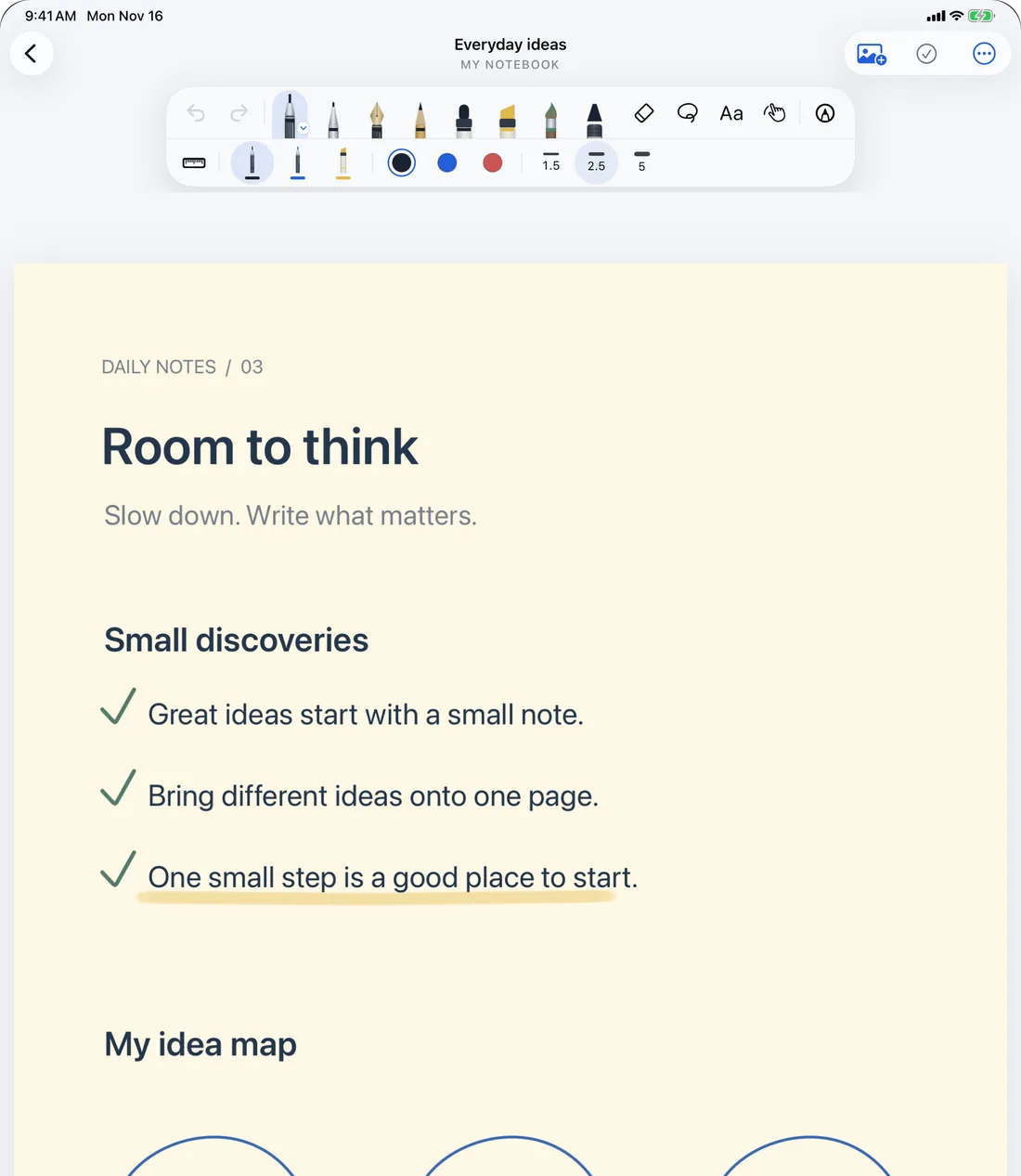
Find your favorite pen
Ink pen, ballpoint, fountain pen, pencil, marker, highlighter, watercolor brush and crayon. Each pen remembers its own color and width.
Eight pen styles
Pick from eight pens that each write differently. Some pens require iOS 17 or later.
Color and width per pen
Switch pens and each one keeps the color and width you chose for it.
Apple Pencil or finger
Write with Apple Pencil on iPad, or with your finger on iPhone.
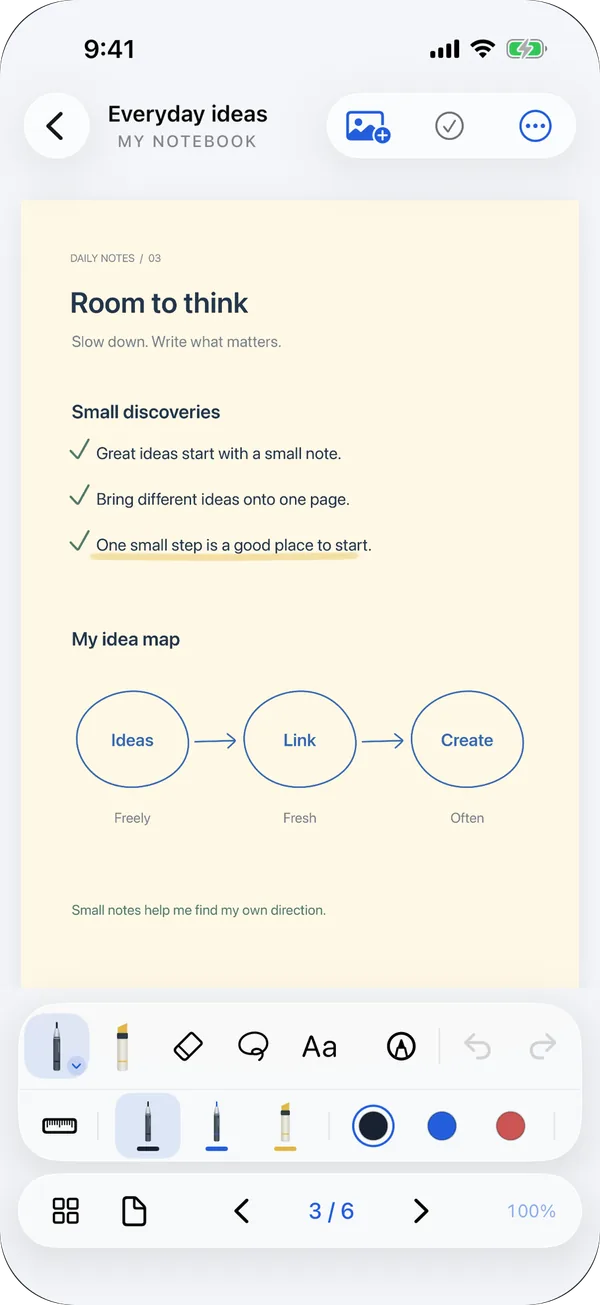
Treat a PDF like a notebook
Import a PDF from Files and write right over the original.
Write on the original
Add handwriting and text on top of the pages you import.
Search and links
Search the PDF’s text and the text you typed, and follow links inside the document.
Share and export
Send the annotated PDF or a page image to another app.
Scan paper
Scan paper documents with the camera and add them to a notebook.
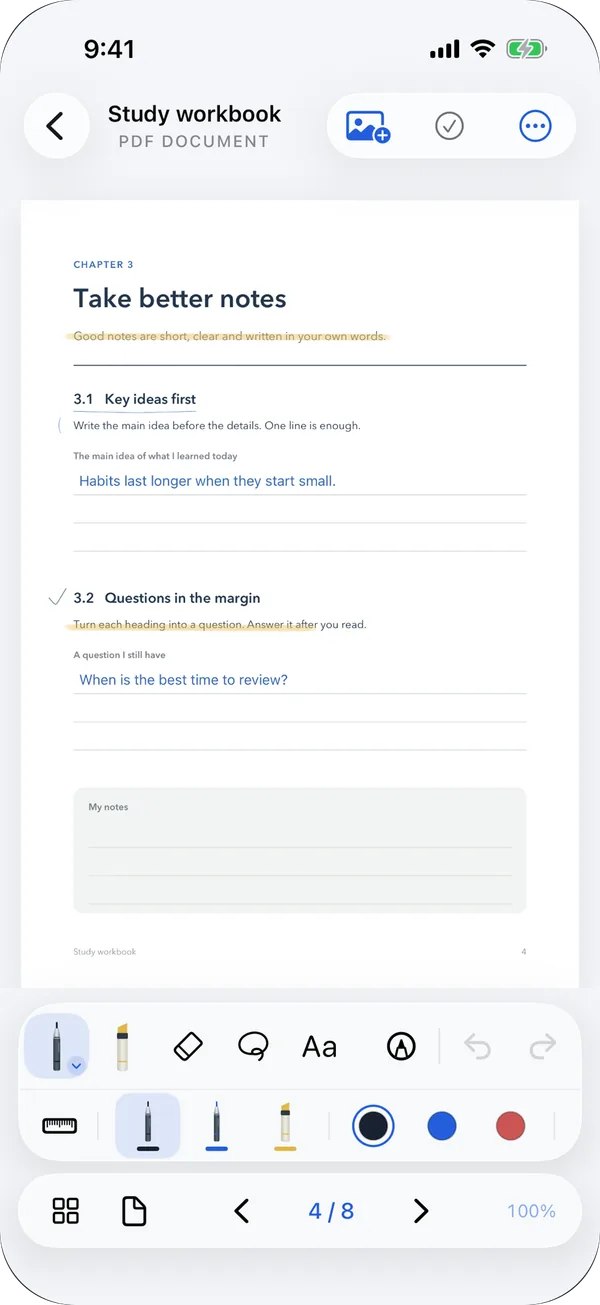
Plan with linked pages
Start from monthly, weekly, daily, meeting and study templates.
A twelve-month planner
The monthly planner creates twelve months at once and links the overview page to each month’s page.
Links survive export
Links between pages stay in place when you export the planner as a PDF.
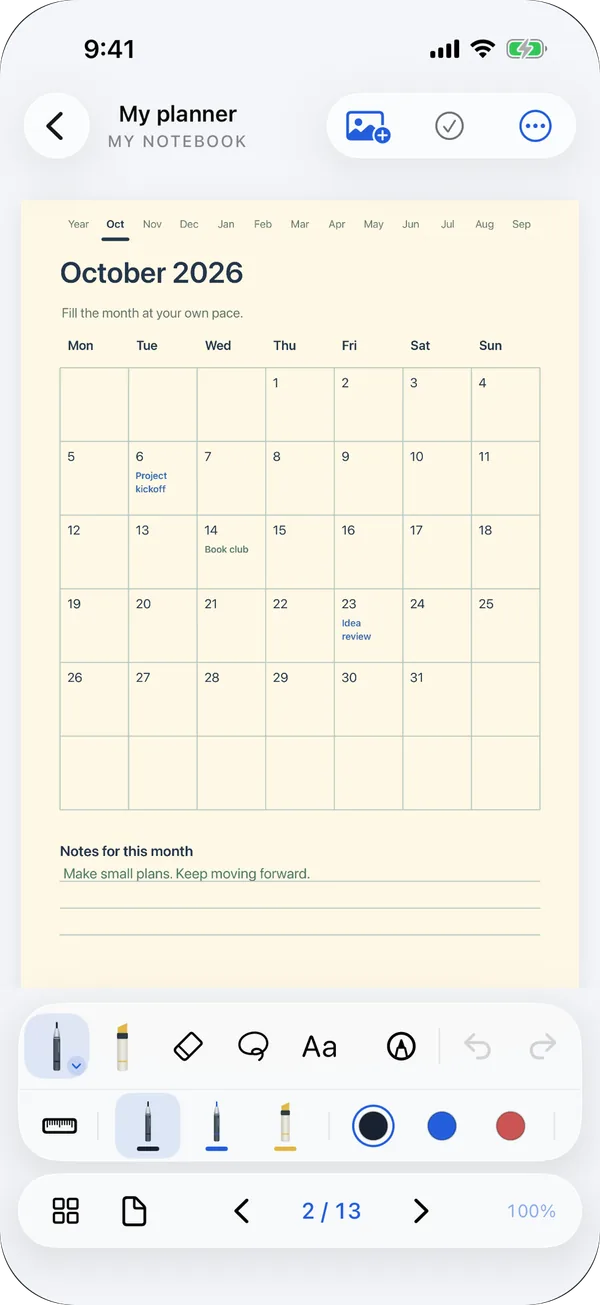
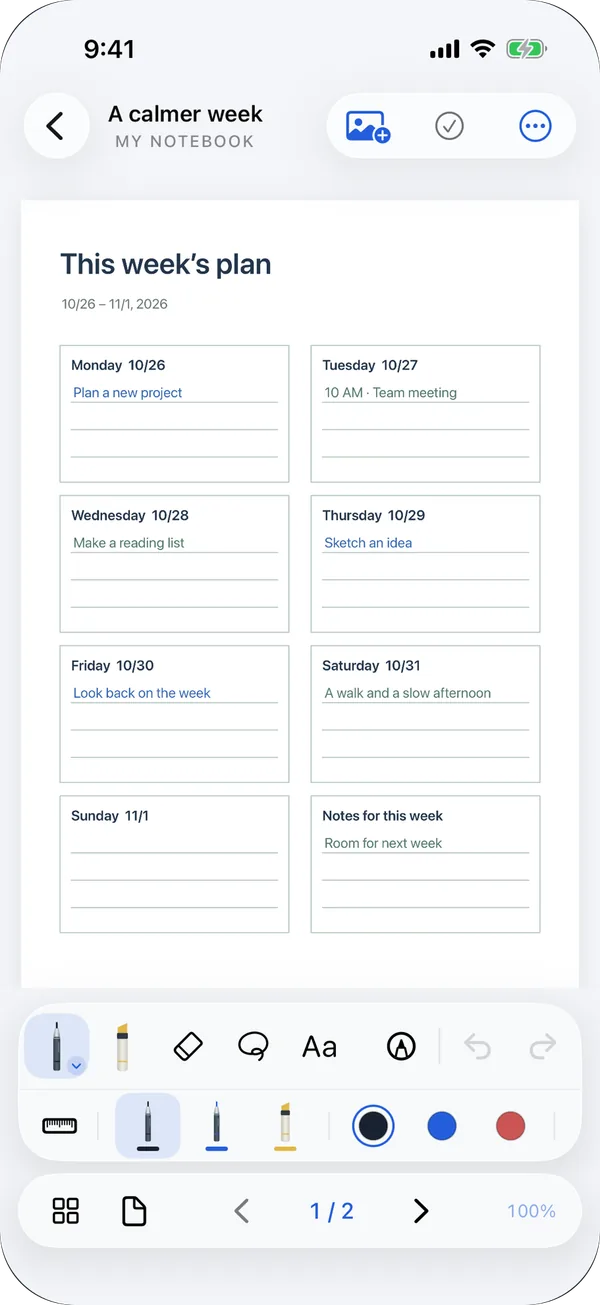
Move ideas around
Move and resize handwriting, text and photos.
Work with pages
Add pages, reorder them, bookmark them or fold them away.
Covers, folders, favorites
Give each notebook a cover color and keep them in folders and favorites.
Keep a reference beside you
On a wide iPad window, open a reference page side by side. On iPhone, it opens on its own screen.
Your records stay on your device
Notes are saved on your device automatically and are not sent to the developer’s servers.
Tabbly privacy policyOffline, no sign-in
Use it without an account, and keep writing without a connection.
One-file backup
With the Lifetime Pass, back up and restore your whole library as a single .tabplebackup file. There is no automatic sync between devices.
Ads only in the library
The free version may show a banner in the library. There are no ads in the note editor, and ad requests never include your notes.
Lifetime Pass
A one-time in-app purchase removes ads and unlocks library backup and restore. It is not a subscription and can be restored with the same store account.
Is Tabbly free?
Yes. Writing features, including PDF import, are free. The Lifetime Pass is a one-time purchase that removes ads and unlocks library backup and restore. There is no subscription.
Do I need an account?
No. You use it without signing in, and notes stay on your device. It is not connected to a Tabple account either.
Does it sync between devices?
There is no automatic sync. With the Lifetime Pass, back up your library as a single .tabplebackup file and restore it on another device.
Which devices does it run on?
iPhone and iPad with iOS or iPadOS 16 or later. Write with Apple Pencil on iPad and with your finger on iPhone. On Android, get it on Google Play, where it is listed as “탭플노트” (Tabple Note).
Which languages are supported?
Korean, English, Japanese, Chinese (Simplified and Traditional), Spanish, French, German and Portuguese.
How is it related to Tabple?
Tabbly is a separate app from Weekend, the team behind Tabple. It does not connect to Tabple’s documents or tasks, and your notes never go to Tabple’s servers.
Write today’s thoughts down in Tabbly.
Open the app and start a notebook. No account, no setup.