 TockyMetronome and rhythm practice
Find your tempo.
Make it yours.
Tocky is a metronome you play like an instrument. Turn the big dial, tap the tempo in or type the number. A speed trainer, Korean jangdan and stage mode are all there, offline and without an account.
Every practice feature is free. One purchase removes the ads in the free version, and there is no subscription.
A demo. The sound is synthesized in this browser the same way the app makes it.
More than a click. Tools for practice.
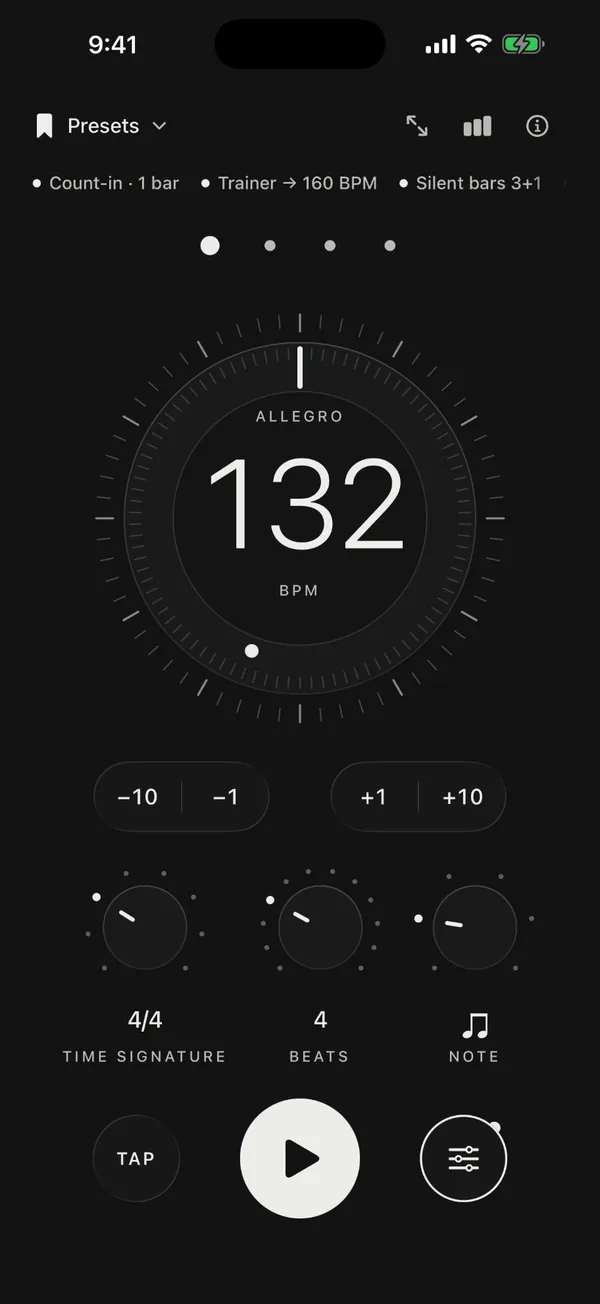
Start slow and work up to the target tempo, drop the click to test your inner pulse, and see how much you practiced. The tools you need switch on from one screen.
Speed trainer and count-in
The tempo rises by the amount you set every few bars until it reaches your target. A count-in gives you the beat before you start.
Silent bars and random mute
Silence whole bars or drop beats at random to check that the pulse you count inside stays steady.
Swing and accents
Set the swing for eighths and sixteenths, and an accent for every click between the beats.
Song parts and setlists
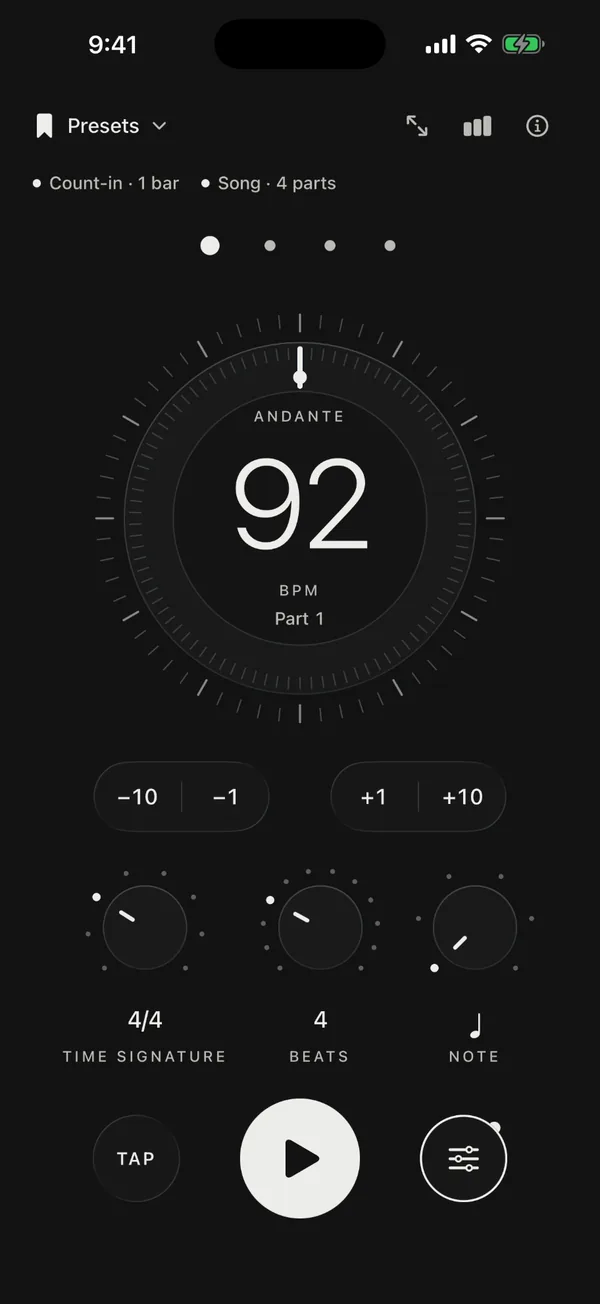
Build songs whose parts change tempo and meter, and line them up in a setlist for the gig.
Polyrhythms
Play two rhythms together, such as 3 against 4, drawn so you can see where they meet.
Practice timer and log
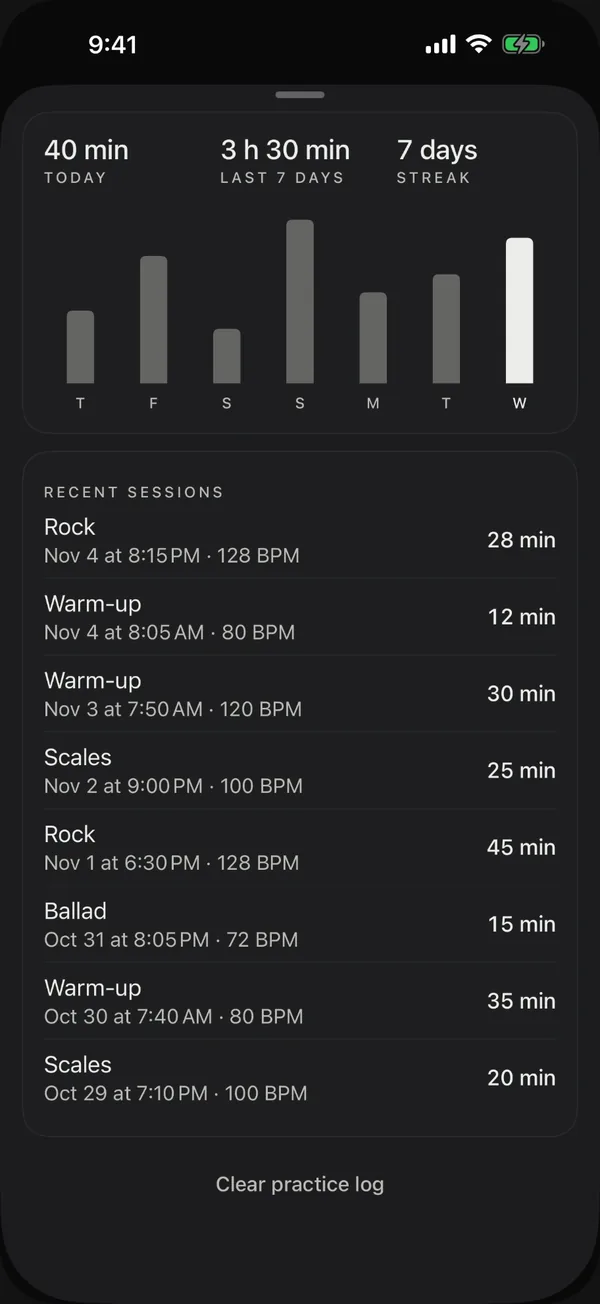
A chime ends the session you timed, and the log keeps your week and your streak.
The beat is placed to the audio sample, so it stays steady whatever the screen is doing.
From gutgeori to clave, on their own instruments.
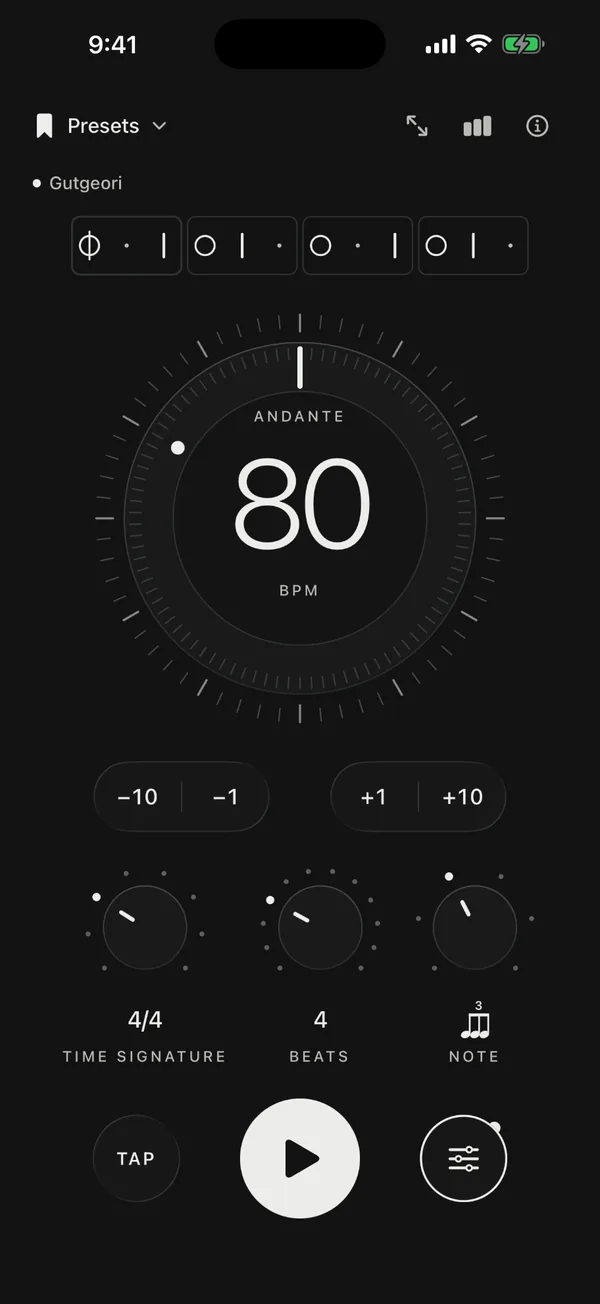
Instead of a click, Tocky plays traditional rhythms with the sound of their instruments. Pick one from the list and the beats, the subdivision and a typical tempo are set at once.
Seven Korean jangdan on the janggu
- Semachi3 beats · 80 BPM
- Gutgeori4 beats · 80 BPM
- Jajinmori4 beats · 100 BPM
- Jungjungmori4 beats · 72 BPM
- Jungmori12 beats · 80 BPM
- Hwimori4 beats · 120 BPM
- Eotmori10 beats · 280 BPM
- Deong (both hands)
- Kung (low head)
- Deok (stick)
- Gi (light stroke)
- Rest
Heavier marks are accents. Each box is one beat, and while it plays the box being struck lights up, as in the app. The jangdan are drawn from the janggu scores in the National Gugak Center's Korean music encyclopedia. A demo. The sound is synthesized in this browser the same way the app makes it.
Rhythms from around the world
- Indian talaTablaTeentaal · Jhaptaal · Rupak · Dadra · Keherwa
- Arabic rhythmsDarbukaMaqsum · Saidi · Baladi
- ClavesClavesSon clave 3-2 · Rumba clave 3-2 · Bossa nova
- FlamencoPalmas (hand claps)Soleá
On stage, and on your wrist.
Outside the practice room, Tocky carries the beat through the screen, vibration, a pedal and your wrist.
Stage mode
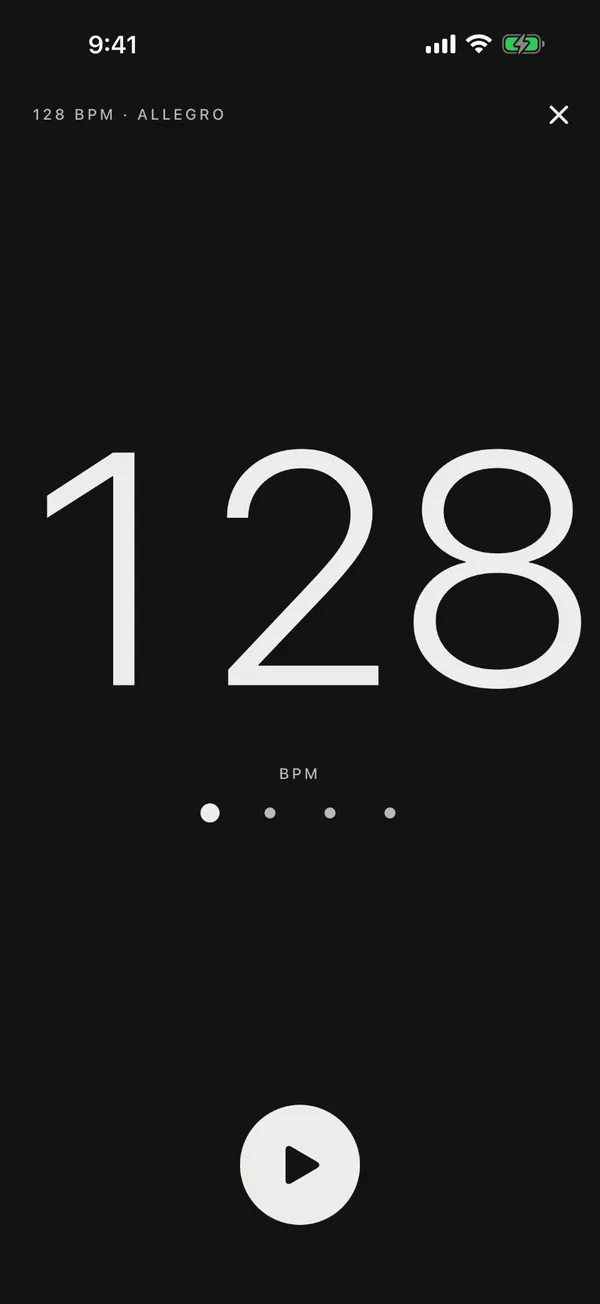
The beat as big as the screen, readable from the drum stool or from across the rehearsal room.
Screen flash and vibration
Switch them on and the screen lights up and the phone vibrates on every beat, stronger on accents.
Next song from a pedal
Move to the next or previous song in a setlist with a Bluetooth pedal or your headphone buttons.
Eight sounds
Choose one of seven click sounds or a spoken count in your language. Set separate volumes for accents, beats and subdivisions, with a boost for loud rooms.
A quiet metronome on Apple Watch
It taps the beat on your wrist. Pick a preset you saved on iPhone and start from the watch.
Your practice stays on your device.
Tocky has no accounts. Everything you need to practice runs on the device, and the privacy policy says what advertising and purchases use.
Offline, without an account
There is no sign-up and no sign-in. The practice features work without an internet connection.
Data that stays on the device
Settings, presets, setlists and the practice log are not sent to a developer server. Presets and setlists move to another device as a file.
No banner on the main screen
In the free version one banner at a time appears in the practice log, the presets, the settings, the app information screen and at the top of stage mode, with an occasional app open ad when you return. Only non-personalized ads are requested.
One purchase removes the ads
Ad removal is a one-time in-app purchase, not a subscription, and you can restore it with the same store account. The Apple Watch app has no ads.
Is Tocky free?
Yes. Every practice feature is free: tempo, practice tools, rhythms, stage mode and the practice log. One purchase removes the ads in the free version, and there is no subscription.
Does it work without the internet?
Yes. You practice offline, without an account. The internet is used only to load ads and to buy or restore ad removal.
Does the beat keep going with the screen off?
Yes. The beat continues with the screen locked or while you use another app, and you can stop it from the lock screen.
Which devices does it run on?
Tocky is an app for iPhone, iPad and Android, and it includes an Apple Watch app. The top of this page shows which stores have it now.
Which languages does it support?
Fourteen, including English, Korean and Japanese. The spoken count also counts the beats in the app's language.
Can I move presets and setlists to another device?
Yes. Export one setlist, or every preset and setlist, as a file and import it on the other device. There are no accounts and no automatic sync.
Is the metronome on this page the same as the app?
It is a demo built on the app's own rules: the tempo range (20 to 400 BPM), the dial, tap tempo and the jangdan. The sound is synthesized the way the app makes it, but it can differ between browsers and devices. The practice tools are in the app.
Do I need a Tabple account?
No. Tocky is a separate app by Weekend, the team behind Tabple, and it does not connect to a Tabple account.
Start today's practice with Tocky.
Turn the dial to your tempo and press start. No account, no setup.