Handling many items at once
Tidy up many items at once instead of clicking through them one by one.
Entering selection mode
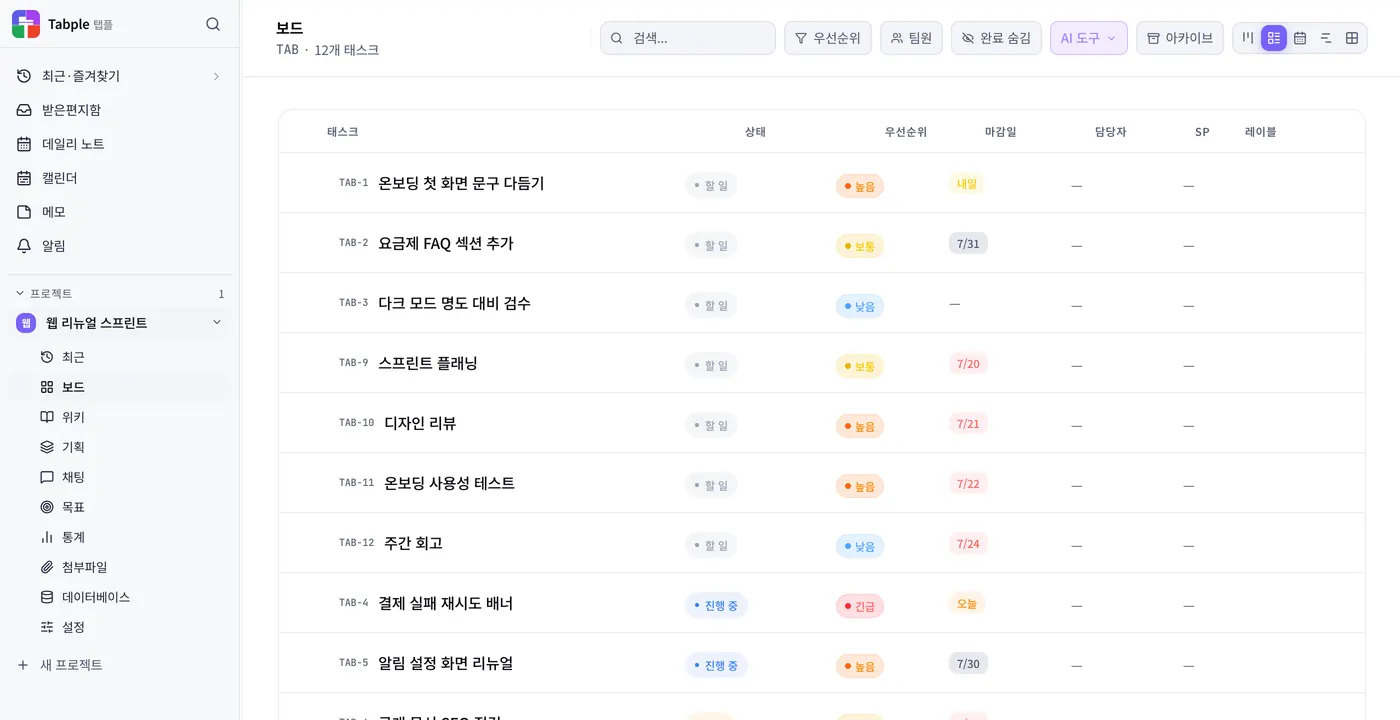
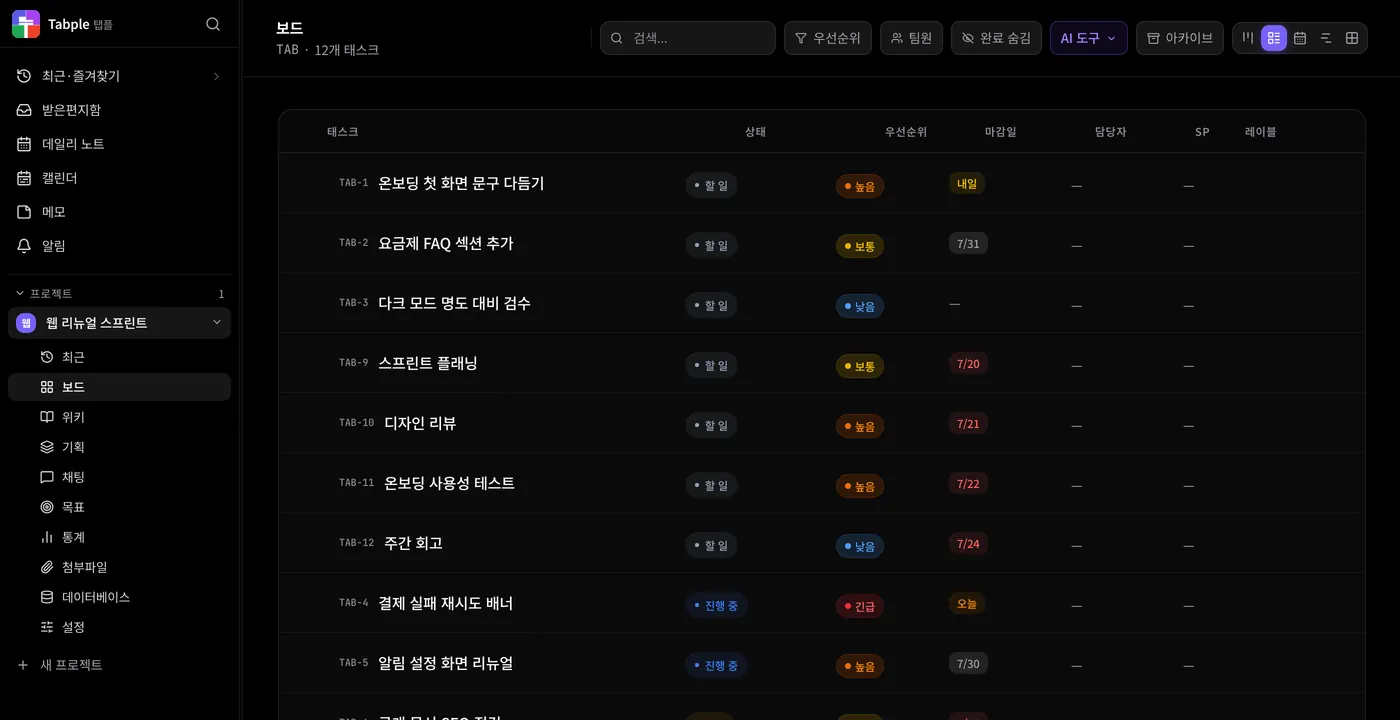
Click a checkbox
Click the checkbox at the left of a row in a list or a database table. On the Kanban board, click the checkbox at the top left of a card, or hover over a card and press X. The action bar appears at the bottom even with only one item selected.
Shift + click — a range
In a database table, click the checkbox of the first row, then hold Shift and click the checkbox of the last one. Every row in between is selected at once. In the board's list and Kanban views you select tasks one at a time.
Select all from the header
The checkbox in a database table's header selects or clears every row loaded on screen. On the board, use Ctrl/⌘ + A or All (N) in the action bar.
Supported bulk actions
- Move — move the tasks you picked on the board to a column in one action. Moving into a Done column marks them done, and column move automation runs just as it does when you move cards one by one
- Priority — apply Urgent, High, Medium, or Low to every selected task
- Assignee — set the same assignee on every selected task, or empty it with Clear assignee
- Delete — permanently deletes the selected tasks together with their comments and attachments on the board, or the selected records in a database. There is no trash, so it cannot be undone
- Database table — change the value of the status field (or the first select field if there is none) at once or empty it with Clear value, and add or remove tags of a multi-select field. It only appears in the table view
- File vault — move the files you picked in the Attachments menu (up to 100) to a folder, add them to Favorites, or send them to the trash. In the trash you restore them or delete them permanently
Shortcuts
- Ctrl/⌘ + A — on the board (Kanban and list), select every task that matches your search and filters. All (N) in the action bar does the same thing
- Esc — clear the selection and close the action bar
- X — on the board, select or deselect the card under the pointer
- Delete — on the board, permanently deletes the selected tasks after a confirmation
Safeguards
A single action handles up to 200 tasks on the board, 500 records in a database, and 100 files in the file vault; if you select more than that on the board or in a database, nothing is processed and you only see a message. One action either lands completely or not at all. ⚠️ Deletion asks for a confirmation, but there is no trash and it cannot be undone — archive instead of deleting anything you might want to see again. On the board you can archive all finished tasks at once with Archive N done tasks in the header's ⋯ menu and bring them back from View archive, and in a database you archive a row at a time with Archive the record and restore it from Show archive. With read-only access (Viewer), the action bar does not appear.