Chat & real-time collaboration
Keep the team talking with channel chat, threads, file attachments, and mentions.
Channel setup
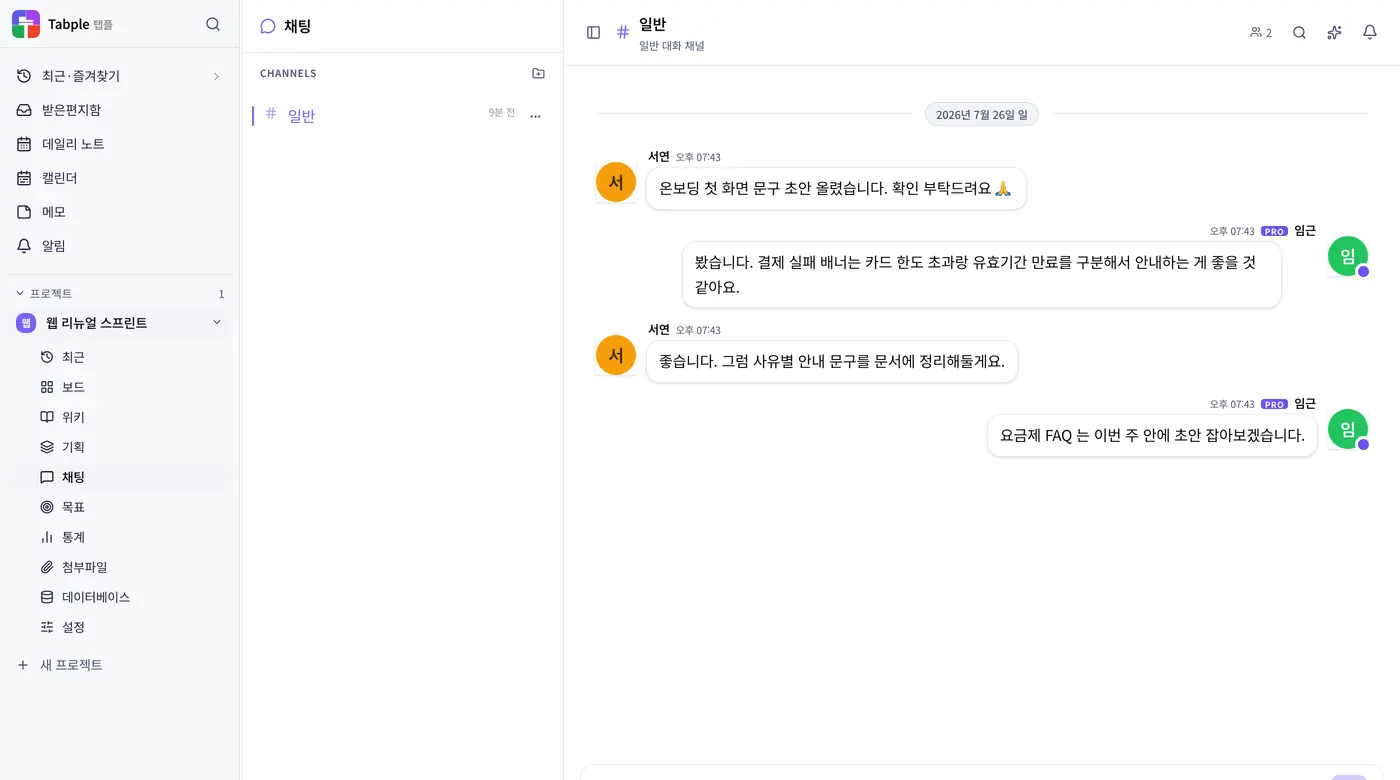
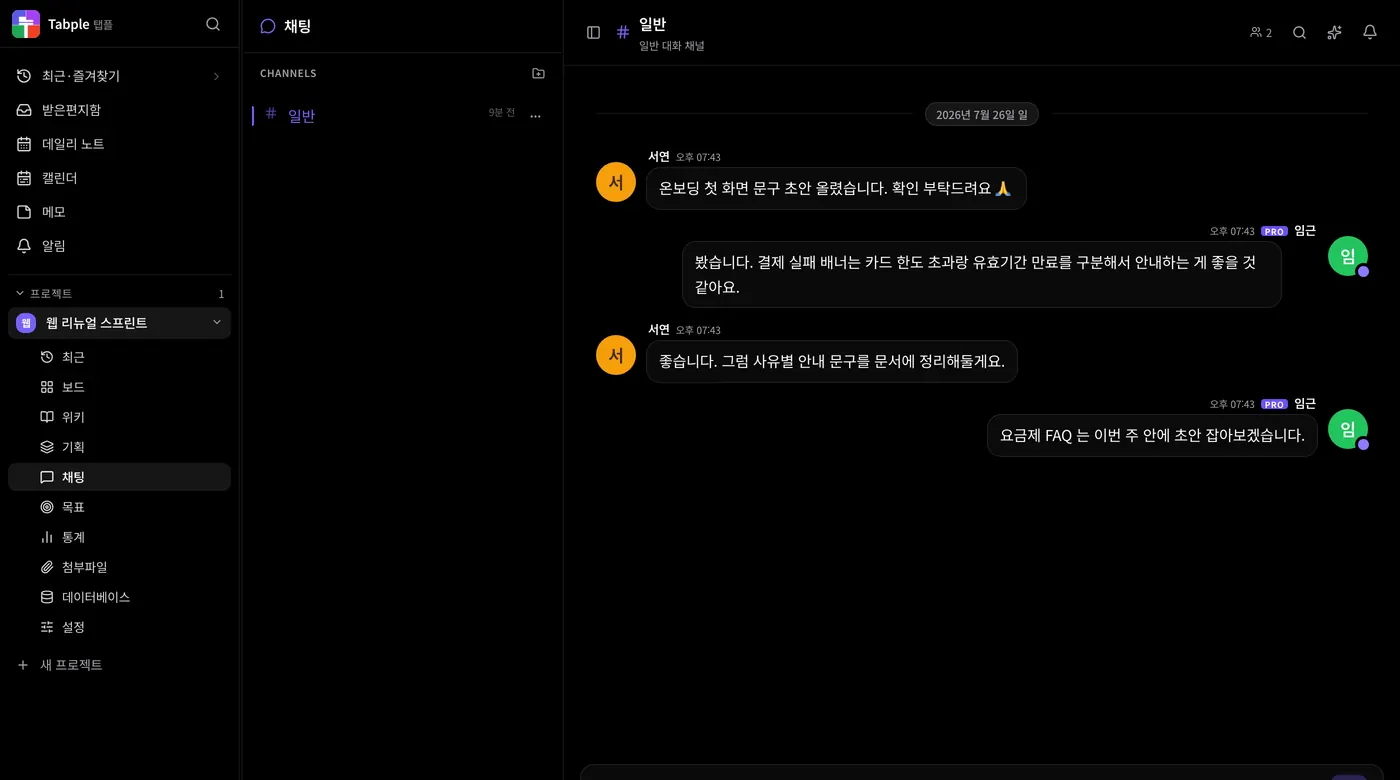
Add a channel
Click the + button at the top of the chat sidebar, or New channel at the bottom. A name is required; a description, private setting, and the first members to invite are optional. Splitting channels by topic, team, or feature works well.
Channel mentions
Type @name in a message to pick a teammate from the autocomplete menu, and the person you pick gets a notification.
Organize channels
From the … menu on a channel row you can add it to Favorites, mute it, or move it to a section, and Add section groups channels together. Favorites are saved in this browser only.
Message features
- Threaded replies — hover over a message (or long-press it on a touch screen) and click Reply in the toolbar to keep each topic in its own thread. In a channel thread you can also post the reply to the channel
- Emoji reactions — react to a message in one click (with the default settings, shown when the project has 2 or more members). Besides emoji you can react with a short phrase like 'Got it!', and pick your team's own emoji (animated ones included), uploaded under 'Emoji' in project settings, from the 'Project emoji' area of the picker. A name can't be changed once set, and a deleted name can't be reused
- GIFs — search the ‘GIF’ tab of the emoji picker in the message box (on mobile, the GIF tile in the ‘+’ panel) and send one. It works in channels, DMs, and thread replies, and a pasted GIF link also plays as an animation
- File attachments — upload images, documents, and video together. Up to 5MB per file on Free, and up to your plan's single-file limit on paid plans (50MB, video 100MB)
- Link previews — paste a URL and an OG card appears automatically
- Message search — keyword search in the search bar that the header's search button opens. Narrow it by author, period, messages with files, links, or polls, or messages that mention you
- Task links — link tasks, agenda items, wiki pages, and feature specs from Link content in the channel composer, or turn a message into a task with Convert to task in the message toolbar
- Formatting — the Formatting button in the composer turns on a toolbar for bold, italic, underline, strikethrough, and code
- Save and pin — Save in the toolbar collects a message under Saved in notifications, and Pin collects it in Pinned messages at the top of the channel
- Edit and delete — you can edit or delete only your own messages. System messages such as join and leave records cannot be edited or deleted
- Failed sends — click Retry next to a message that did not send and it returns to the composer, placed before anything you typed in the meantime. A draft you were writing stays on this device for 7 days even if you switch rooms
Read markers
A message is marked read only while the message list is scrolled to the bottom and the window is visible and focused. Messages that arrive while you read older messages further up, or while you look at another window, stay unread, and a New messages button appears below the list — click it to jump to the latest message. A New messages divider marks where the unread messages start, and unread counts appear as a badge in the channel list. Under your own messages you can see who has read them — in a channel, the number of readers (hover for names); in a DM, Sent and Read (Read by N in a group).
DMs and group chats
Start a chat
In the sidebar, open Messages > Chat, click Start a new chat, and search for people by name or email. Pick one person for a 1:1 chat, or two or more for a group chat.
Manage a group chat
Add members in the header of a 1:1 chat to turn it into a group. In a group, click the name in the header to rename it and add members from the participants list; the person who created the group can also remove members.
Conversation info
The Conversation info button in the header shows photos and videos, files, polls, links, and pinned messages in one place, and lets you mute the chat. In a 1:1 chat it also shows the other person's profile.
Delete a conversation
From the ··· menu in the chat list or from Conversation info, choose Delete conversation for a 1:1 chat or Leave conversation for a group. Only your side of the conversation is erased and it disappears from your list; the other people keep their copy.
Create and close polls
Create a poll
Click Create poll in the composer and write a question with 2 to 10 options. Turn on Allow multiple choices to let people pick more than one, and set the deadline to none, 1 hour, 24 hours, 3 days, or 1 week. The poll appears in the conversation as a card people can vote on right away.
Public and anonymous polls
With Anonymous poll turned on, who picked what is hidden and only vote counts and percentages are shown. A public poll shows the voters' names under each option, and View results lists who has voted and who has not.
Close and browse
The author can close a poll from the card with Close poll, and a poll with a deadline closes by itself at that time. A closed poll cannot be reopened; only the results remain. Open All polls from the channel header's ⋮ More menu (Polls in Conversation info for a DM) to see open and closed polls in one place.
Notices and pinned messages
Set a notice
In a project channel, hover over a message and click Set as a notice in the toolbar to put a notice banner at the top of the channel. There is one notice at a time, and setting a new one moves the previous one to Past notices.
Remove a notice and history
The unset button on the right of the banner removes the notice for everyone in the channel. You can look at earlier notices again through Past notices on the banner or Notice history in the channel header's ⋮ More menu.
Pin a message
Click Pin in the toolbar and the message is collected in the Pinned messages line at the top of the channel; expand it and click one to jump to that message. Unlike a notice you can pin several messages, and pinning also works in DMs.