Recurring events — rules, upcoming occurrences, exceptions
A repeat works as one original plus the occurrences ahead of it, and groups made the older way are still manageable.
Creating a recurring event
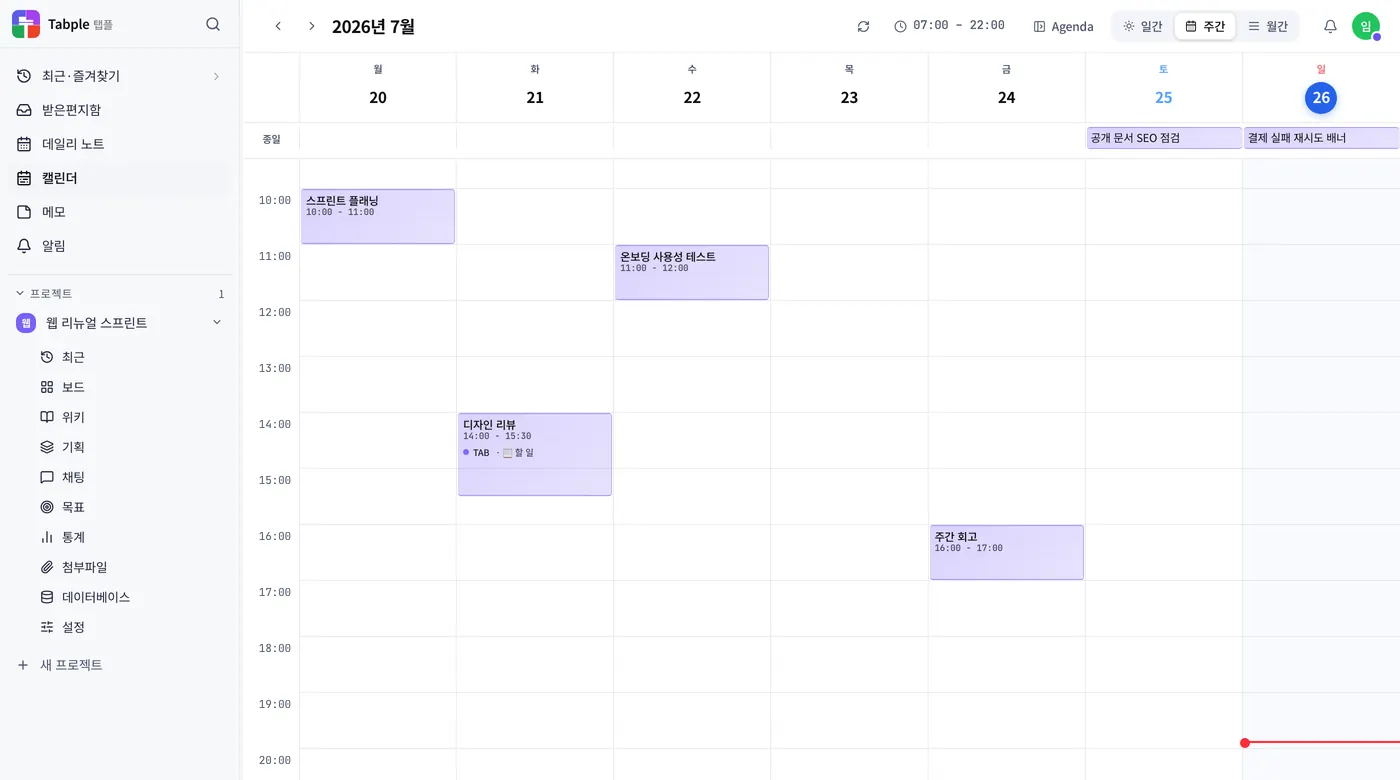
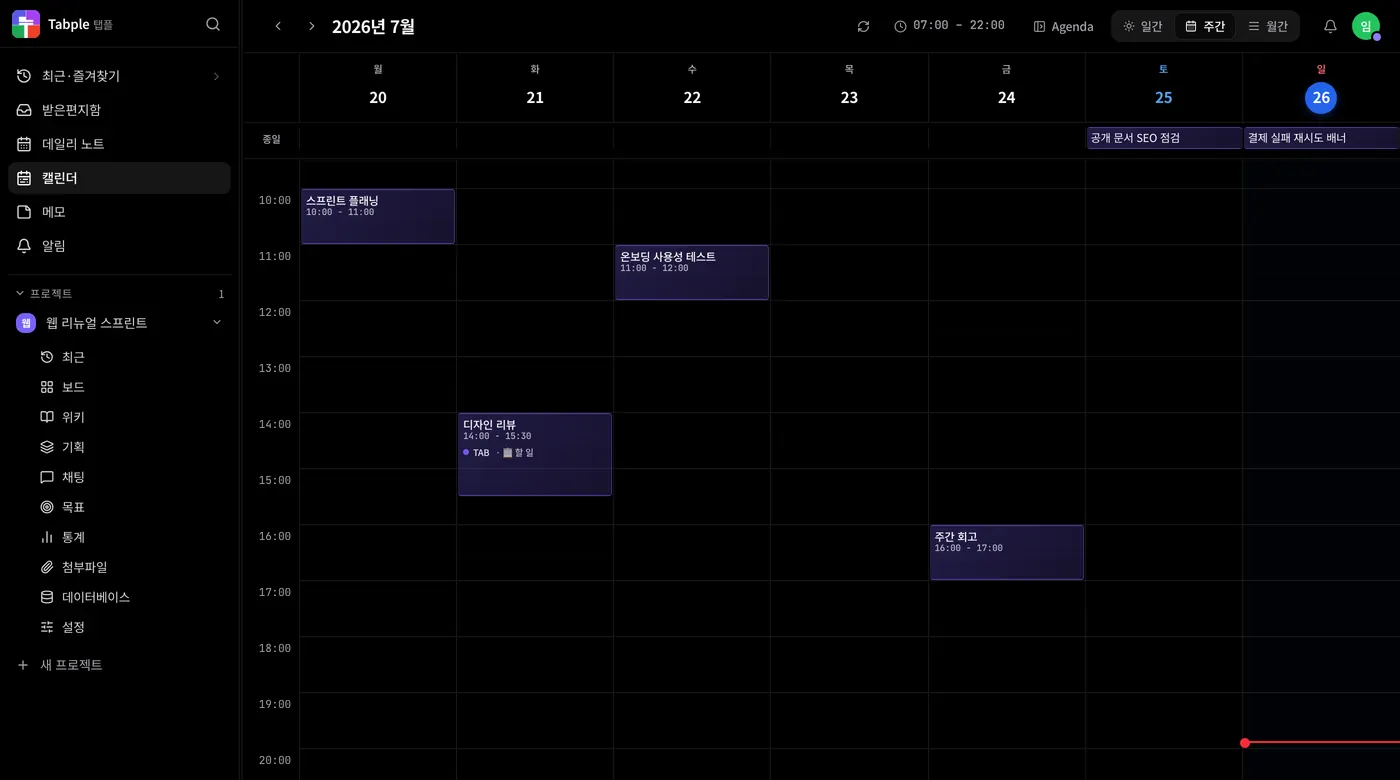
Calendar day or week view
On the calendar, press D (day) or W (week), then drag an empty stretch of the time grid to open the create window. A repeat can be set on an event or on a task.
Pick a repeat pattern
Under Repeat in the create window, choose none, daily, weekly, or monthly. Weekly follows the weekday of the start date, monthly its day of the month.
End condition
Choose repeat forever, repeat N times, or until a specific date. An end date earlier than the start, or a rule with no occurrences, won't save.
Only one original is saved
Saving a repeat does not create the later occurrences all at once. Only one original carrying the rule is stored, and upcoming occurrences are expanded to match the range the calendar is showing.
Advanced rules
Advanced recurrence rule in the task detail gives finer control over yearly repeats, intervals, several weekdays, counts, and end dates.
Handling upcoming occurrences one at a time
- Opening an upcoming occurrence, or moving it to another date, turns just that one into a real item. The original and the remaining occurrences stay as they are.
- Once an occurrence is a real item you can change its title, time, and completion on their own, like anything else — and for a task, its assignee and due date too.
- Skipping a single upcoming occurrence hides that date on the calendar and keeps showing the ones after it. For a task's upcoming occurrence you can also select it and press Delete.
- Opening an upcoming occurrence of an event shows Edit this occurrence only and Skip this occurrence. Edit this occurrence only turns that one into a real event and leaves the other occurrences and the repeat rule as they are. Linking documents or tasks and adding attendees are possible once it is a real event, and an attendee's response applies to every occurrence of the series.
- Complete a repeating task — by checking it on the calendar or moving it to a done column on the board — and the next occurrence is created. Occurrences you skipped or already turned into real items don't come back, and a series that has reached its count or end date makes no more. Checking an upcoming occurrence as done turns it into a completed real item.
- Deleting the original of a repeating event removes that event and all later occurrences, and it can't be undone.
The recurrence marker and the dashed border on the calendar show that an item belongs to a series. An upcoming occurrence is not a real item yet — it is a place the rule has drawn.
Changing the series rule
Open the original
Open the original that carries the recurrence rule to change or remove it. The changed rule applies the next time the calendar expands the series.
The series survives
Turning one occurrence into a real item, or skipping it, does not remove the rule on the original. Removing the rule is what stops further occurrences being drawn.
Check the end condition
A rule with a set number of repeats or an end date draws no occurrences past that boundary. Change the count or the end date, then check the result on the calendar.
Older recurring groups still work
- A recurring event made earlier may be several real tasks tied together as one group. New repeats aren't made that way, but the ones you already have keep showing up and stay manageable.
- When you edit or delete an older group, choose the scope: This event only / This and all following events / All events in the series.
- One original carrying a rule and an older group are different things. Don't merge them or edit them as if they were one series.